Using Lightroom Classic
When using Lightroom, I created a new collection to keep all the different shoots separate from one another. This helps with the overall organisation of the work. I then created a target collection to send the best images to. This allows me to give a rough edit to the best images and narrow them down.
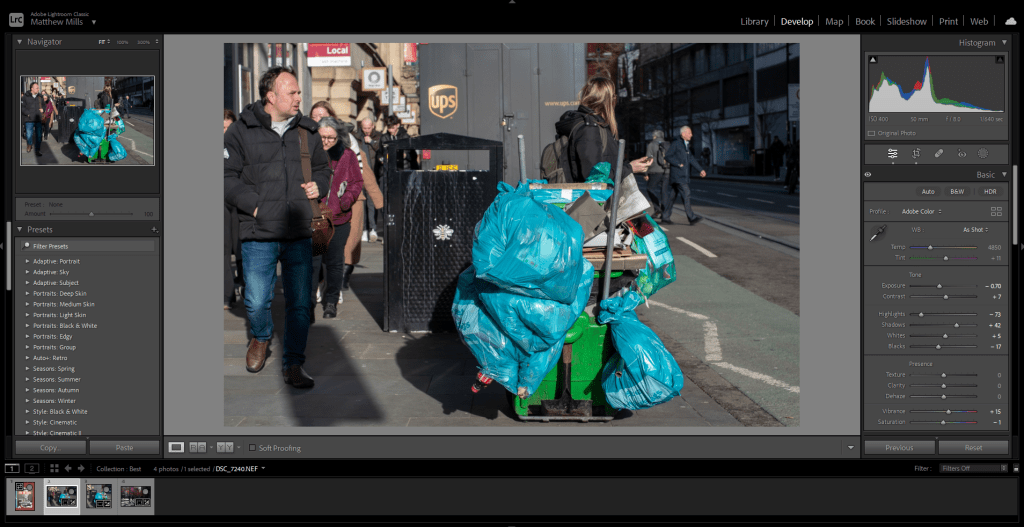
This is one of the images that I gave a rough edit to. Working with Lightroom is good because of the quick edits that can be done. For example, the auto-straightening tool and the de-noise of the images. De-noise has worked better since the latest update, where AI generation has allowed the software to further interact with an image.
The way that Lightroom interacts with images makes the viewing of the images easier. This allows me to quickly move the images from the full shoot to the selection. This then makes the movement of the images from Lightroom to Photoshop go smoothly.
 Matthew Mills
Leave a comment